

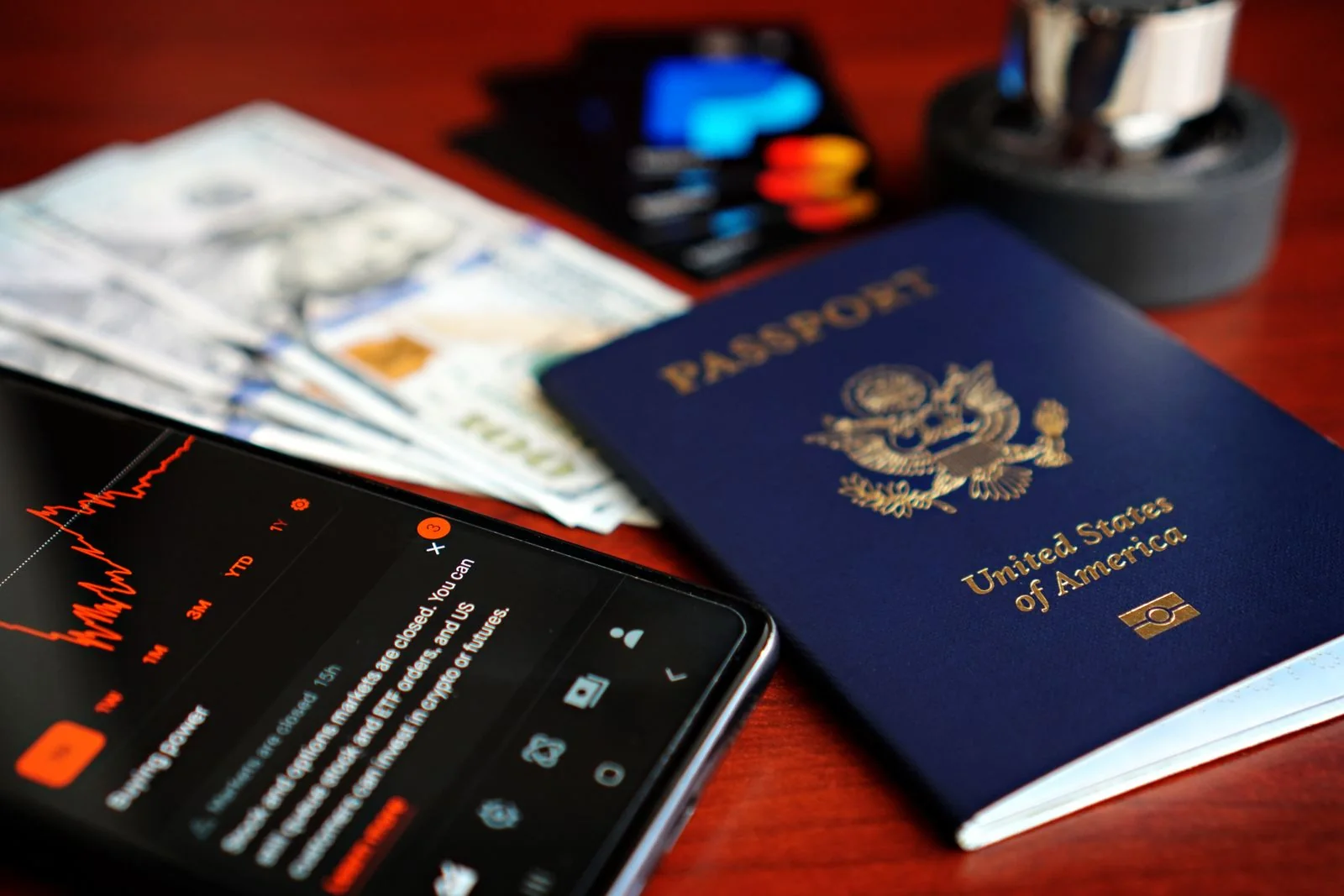
It’s easier to prepare by working backwards from the moment you board: picture yourself carrying out the task you need to do near the bus and check that everything you’ll need for it will be to hand. On an international trip, your mobile phone acts as your ticket, map, bank access and address book all in one. You should therefore check all your settings at home and back up any critical data using a secure offline method.
What to do before your trip
Update your apps, set up a screen lock, enable Find My Device, and keep your backup codes separate from your phone. Check that the necessary features work without Wi-Fi. Do not use public networks for high-risk operations if you can postpone them until you have a secure connection.
- number validity period
- Top-up
- Incoming SMS
- Second SIM
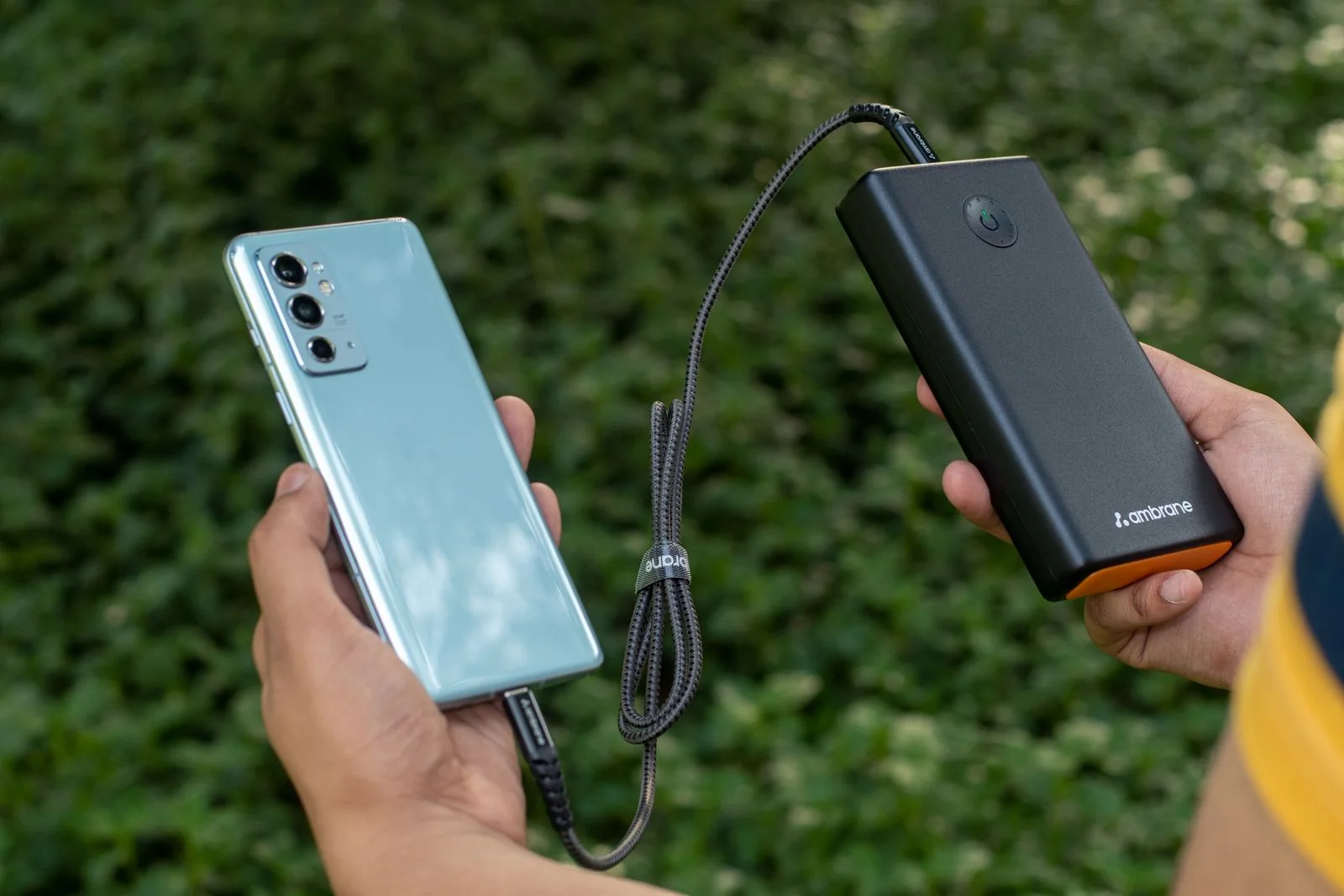
Step-by-step guide
Open the relevant file, settings or confirmation whilst you’re still at home. Give it a clear name, check that it’s legible and show your companion exactly where it’s saved.
Don’t rely solely on text messages for critical information: the network or app may be unavailable at the very moment of the check.
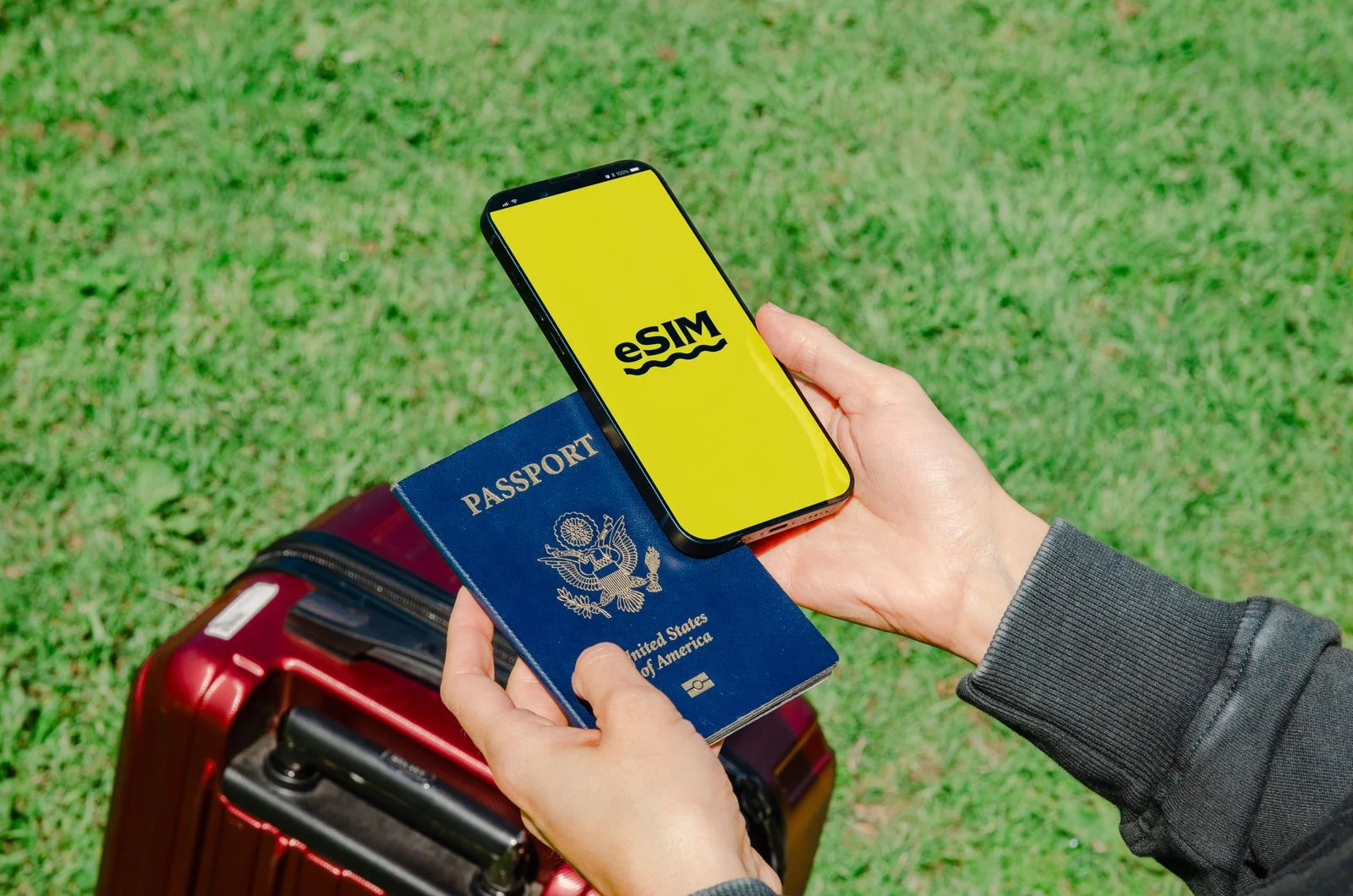
Useful links
Read more about roaming in Europe, SIM PIN codes and contacts without an internet connection. Current flight schedules are available on RedRay. For rules that may change, refer to the European Commission’s official section on cybersecurity and the official resources of your destination country. Sources verified on 6 September 2026.
Questions and answers
Number validity: how to check?
Check the number’s validity period, balance and conditions for maintaining activity before you travel.
Top-ups: when should you prepare?
Keep your Ukrainian SIM active for incoming SMS messages, but monitor your data usage whilst roaming.
Incoming SMS: where can I check?
For a dual-SIM phone, set up a separate line for calls, texts and mobile internet.
Second SIM: what should you do?
Keep your PIN code and your mobile operator’s contact details separate from your phone.