


Before travelling, it is worth clarifying the scope of liability: what is covered by the ticket, and what depends on the actual coach or local conditions. When travelling internationally, your mobile phone acts as a ticket, a map, a means of accessing your bank account and a contact list all in one. You should therefore check all your settings at home and back up any critical data using a secure offline method.
What to do before your trip
Update your apps, set up a screen lock, enable ‘Find My Device’ and keep your backup codes separate from your phone. Check that the necessary functions work without Wi-Fi. Do not use public networks for high-risk operations if you can postpone them until you have a secure connection.
- Folder structure
- File names
- Offline access
- Privacy
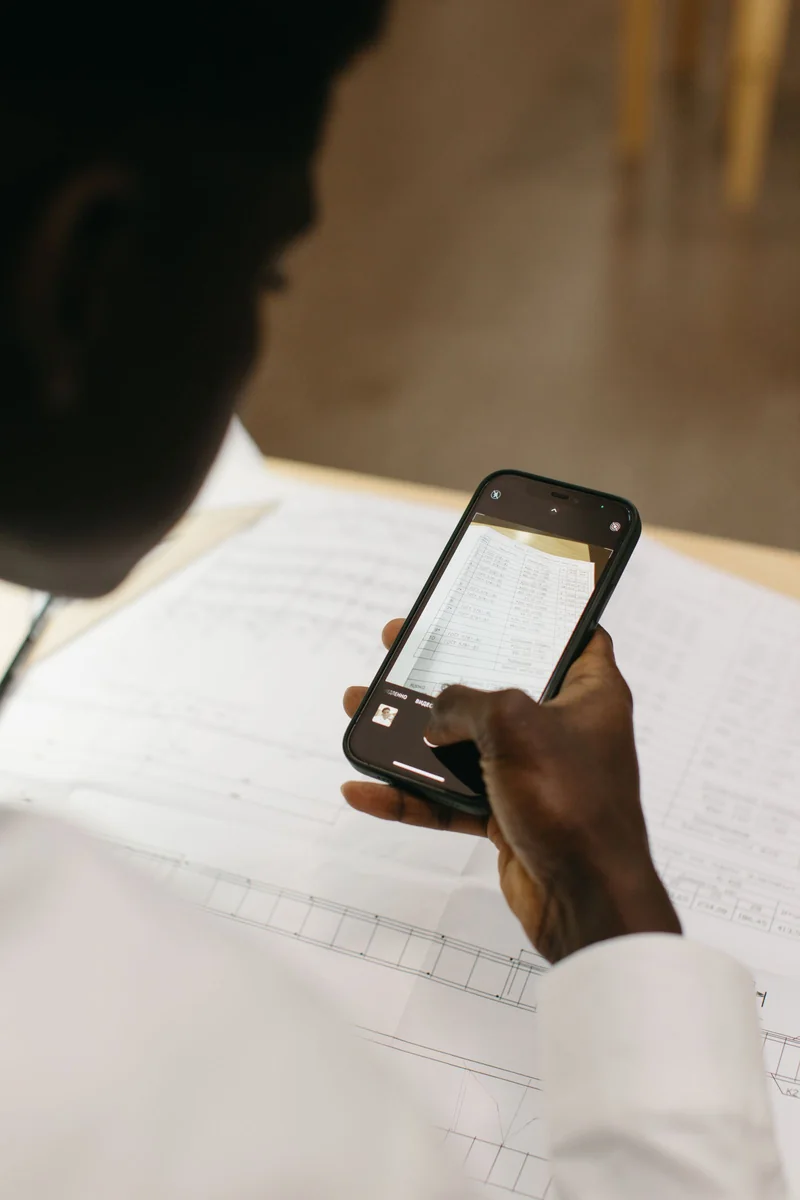
Step-by-step guide
Formulate your enquiry without making any assumptions and include only the necessary details. Once you receive a reply, check that it relates specifically to your date and flight, rather than being a general rule.
For important conditions, keep a written confirmation; verbal agreements can easily be misunderstood or forgotten.

Useful links
Read more about photos of tickets and documents, travel notes and offline bookings. Current flight information is available on RedRay. For rules that may change, refer to the European Commission’s official section on cybersecurity and the official resources of the destination country. Sources verified on 6 September 2026.
Questions and answers
Folder structure: when should you organise it?
Create a single folder for the trip and name the files by date and purpose: ticket, accommodation, insurance.
File names: where to check?
Save only the necessary copies offline and secure your phone with a passcode or biometrics.
Offline access: what should you do?
Don’t keep photos of documents in a shared gallery that is automatically visible to other apps.
Privacy: how to check?
Add a short note with addresses and contact details, but do not write down passwords and PIN codes alongside them.