

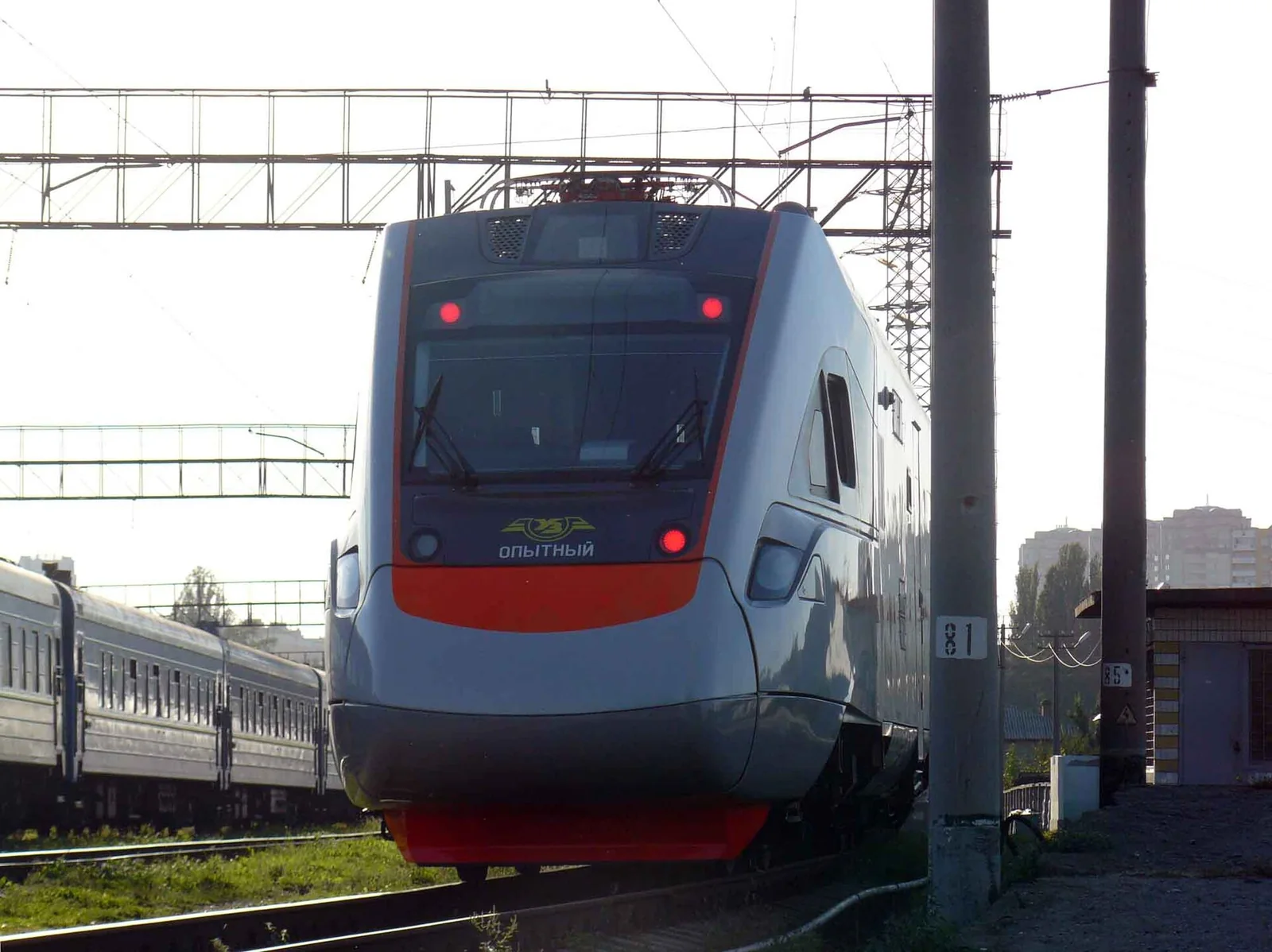
The train allows you to read, watch videos or work, but the signal along the route may vary. Power sockets and Wi-Fi are useful amenities, but they are not a reason to plan an important call without a backup plan.
Keep the essentials offline
Before you set off, download your ticket, arrival map, work documents and any materials you’re allowed to access offline. Check that they open without an internet connection. For large downloads, use a reliable connection before you travel. It’s best not to schedule important meetings or send large files during a stretch of journey where the connection hasn’t yet been tested.

Power and privacy
Bring your own cable and a working charger. Check the location of power sockets for your specific carriage; do not run cables across the aisle. When using a shared network, do not ignore security warnings and do not grant access to your accounts to strangers. Use headphones for calls and be considerate of your neighbours.
See also: Documents required for boarding trains in Ukraine: checks before arrival at the station; First or second class on the Intercity: a practical comparison.
Official sources
Ukrzaliznytsia: official ticket search. Check current services, prices and conditions for your travel dates; the photographs illustrate rail travel and do not confirm the configuration of a specific service.
Image details
- PLT-200.jpg — Maximiljan; CC BY-SA 3.0. The image has been resized and converted to WebP. Licence terms — see the original page.
- EKr1-001 at Kyiv station.jpg — Valerii Rusyn; CC BY-SA 4.0. The image has been resized and converted to WebP. Licence terms can be found on the original page.


Questions and answers
Is there Wi-Fi in every carriage?
Check the facilities on your journey; do not assume universal availability.
What should I download first?
Your ticket, any necessary addresses and materials without which your journey or work will be disrupted.
Should I schedule an important video meeting?
Only if you have a backup plan, as a stable internet connection isn’t guaranteed.
What should you take for charging?
A compatible cable, a working adapter and, if necessary, your own portable power bank.