

You are waiting in a bus queue with passport control still ahead, but your phone receives a welcome message from another country’s operator. This does not prove the bus has crossed the state border or necessarily indicate a ticket error. Radio signals are not limited by a line on a map: near a border, a phone can register on a neighbouring network before you physically leave the country. Check the actual connection and your number’s terms rather than wait for a stamp or driver announcement.
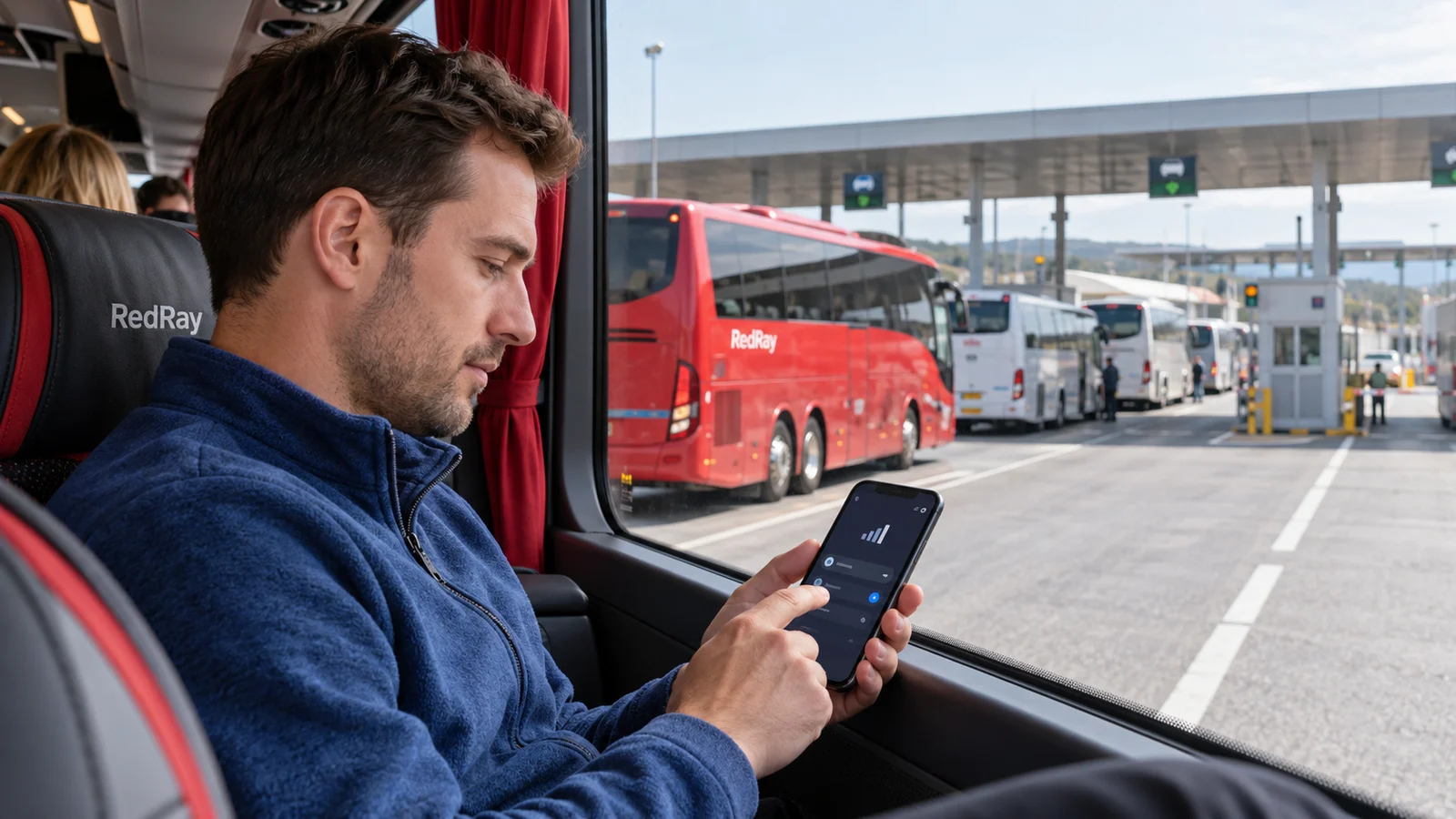
First stop unknown costs, not all travel preparation
If you do not know which network is serving your phone or whether it is included, temporarily disable mobile data. Do not start video, map updates or speed tests to “see whether the internet works”. Those actions may create usage you have not yet decided to accept. Then calmly open SIM settings and the operator message. Disabling data does not delete a ticket downloaded beforehand.
Disabling data does not stop every chargeable service: calls and outgoing texts have their own terms. For a complete cellular pause, you can use flight mode, but do not then expect an ordinary mobile call or banking text. Tell your companion where you are seated and how to find you before the pause. Do not change settings while an officer calls you forward or while approaching a control desk.
Compare three separate facts: location, network and allowance
The bus location determines the journey route, the network name identifies the current mobile partner, and your operator’s terms determine charging. These facts are related, not identical. Even a familiar international group name does not confirm the country or included allowance. Open connection details if your model provides them and compare with your operator’s official partner list.
- Which SIM or eSIM is currently supplying mobile data?
- Which network does the phone display and which country does the welcome message identify?
- Does your current tariff include that country and the required service?
- Is allowance still available, and are there separate usage restrictions?
Check separately for two active numbers. One operator name in the status bar does not always explain which SIM supplies data. Some devices may switch data lines with user permission. Find that setting on your model and do not leave the backup number supplying data merely because the primary eSIM briefly lost coverage.
European roaming does not mean every neighbouring network
As checked on 23 October 2026, the European Commission reports extension of Roam Like at Home to Ukraine and Moldova from 1 January 2026. However, check fair-use conditions, available data and contract-specific details with your operator. A Ukrainian number does not mean every foreign signal is free or every allowance unlimited.
Be especially careful on bus routes near networks outside your tariff zone. For example, terrestrial networks in Switzerland or Serbia may have different terms from an included EU allowance. These are examples to check, not claims your service necessarily goes there or your operator inevitably charges extra. Its current country list matters, not “Europe” in an allowance’s advertising name.
Manual selection: a temporary restriction, not a universal repair
Regulator ComReg describes unwanted border roaming and recommends measures including disabling automatic selection and manually choosing the required network. This lets a passenger prevent free switching to an unwanted partner. Know the permitted network from operator terms, however: do not randomly choose the first familiar name. Menus depend on device and system version, so find button instructions in your model’s official help.
- Keep mobile data disabled while checking the list.
- Open the required SIM settings and search for available networks.
- Select a partner your operator confirms for this part of the route.
- Wait for registration rather than switch hurriedly between choices.
- After confirming conditions, decide whether to enable data now.
A network can appear in the list but not permit registration for your number. Deleting an eSIM, resetting the phone or buying a new ticket does not fix that refusal. If a confirmed partner is unavailable, leave data disabled and use your offline plan. Do not ask the driver to reposition the bus for signal or leave the border queue seeking coverage without the responsible person’s permission.
Do not delete an eSIM when only partner selection is the issue
An installed profile and current network registration are different things. Deleting the profile may require installation again, internet access or operator help. It does not recover money already spent or explain the tariff. Likewise, do not unnecessarily reset all network settings: reconnecting known Wi-Fi and restoring other settings may then be needed at an inconvenient moment.
If still choosing connectivity for a future route, separately read the comparison of eSIM and roaming for bus travel. Make that choice before departure. The task in a border queue is narrower: establish which line is already connected and stop unnecessary usage while preserving working documents and the ability to seek assistance.
Avoid missing bus updates during a connectivity pause
Before disabling cellular service, save the service number, carrier contact and arrangements for returning after checks. When travelling together, do not rely on continuous message delivery: agree a physical meeting point and how to report a problem to the crew. Flight mode does not change departure time or entitle you to delay the bus while waiting for internet.
Open your downloaded ticket offline and read the necessary address from a local note. If not already prepared, use the guide to saving a bus ticket offline. Do not check booking status through a random search-result website merely because the official app temporarily has no connection.
Restore controlled connectivity after leaving the border
Manual selection may remain tied to a network whose coverage has ended. As the bus continues, check the current country against the route and permitted partners for the next section. Automatic selection is appropriate only when you understand available networks and remaining tariff risks. If approaching another zone boundary, a temporary restriction may be needed again.
Start with one necessary short action: receive a carrier message or open official status. Do not immediately resume every large queued download. Ensure data uses the selected SIM rather than a more expensive backup number. This tests the specific setting’s result, not merely the appearance of a signal icon.
Checking an unclear charge
Save the event time, network name, tariff text and available operator usage records. Consider time zones in the message and banking or mobile account so an unrelated use is not linked to the border. Phone statistics help orientation but do not replace billing details. Do not send support your account password, full confirmation code or unnecessary passenger documents.
Frame the enquiry specifically: which network and tariff applied, which service the amount concerns and whether the allowance active then was included. The bus still being “on our side” does not prove operator error. Equally, receiving a welcome text does not itself prove chargeable usage. Refunds depend on established circumstances and review, so do not promise one beforehand.
Sources checked on 23 October 2026: ComReg on border connections to neighbouring networks and European Commission roaming guidance. They explain the mechanism and general limits; your operator confirms partner names, allowances and how to manage your number.
Questions and answers
If the bus has not crossed the border, is a foreign network definitely an error?
No. A neighbouring country’s signal may be received before a physical crossing. Check the network and tariff: the bus location and control record do not automatically determine which base station serves the phone.
Is disabling mobile data enough to prevent all costs?
It stops mobile internet through the relevant setting but does not make calls or outgoing texts free. Check each service’s terms. If you need a full cellular pause, consider loss of ordinary connectivity in flight mode.
Why is a permitted network listed but my phone cannot connect?
A visible signal does not guarantee registration permission for your SIM. Ask the operator about the cause. Do not delete your eSIM; if no confirmed partner is available, keep offline documents and postpone data transfer.
When should I restore automatic selection after a border queue?
After checking the next section and partners included in your tariff. Do not leave manual selection permanently tied to ended coverage, but do not blindly enable automatic selection near another excluded zone. Confirmed connectivity terms matter, not completion of passport control.
Does a welcome message mean money has already been charged?
Not necessarily: it may merely notify registration and rates. Check usage and billing details. If a charge appears, save the message, time and network for a specific enquiry rather than continue experimenting with a paid connection.