

On an international bus, you copy a purchase number or address from a photo to reply quickly to support or prepare information for border checks. The phone selects the text and the line looks convincing. Only later do you notice a different digit, missing letter or neighbouring number. Automatic recognition helped transfer characters, but did not verify their accuracy or whether they belong to the right document.
The main action is comparing the extracted text with a proper source before using it. If an inaccuracy has already entered a message or official form, do not conceal it or edit an issued document. Clarification depends on exactly where the information was submitted. Correcting your own draft and changing material already accepted by an authority are not identical procedures.
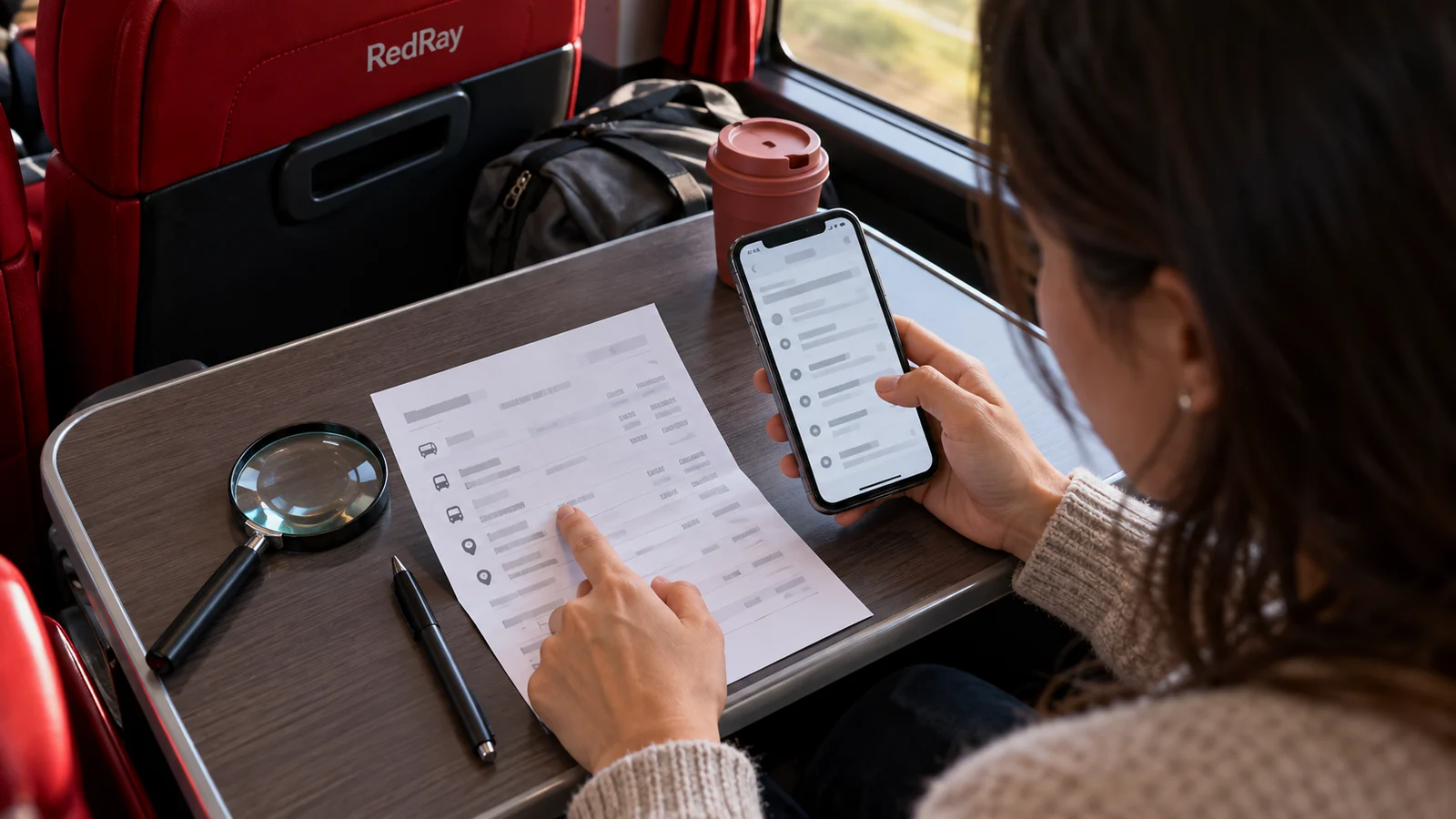
Recognition, translation and verification are different tasks
Text recognition, often labelled OCR, turns images of characters into text for copying. A translator changes language, while checking document validity is an entirely different matter. Even a correctly read line does not prove a ticket is valid, an address current or a confirmation acceptable for your border procedure.
If the phone simultaneously translates and copies an image, establish which result you are seeing. Do not replace proper names, identifiers or numbers with a guess based on meaning. For a support enquiry, use the exact detail from the current document, not a paraphrased translation. If an unfamiliar field’s meaning is needed, ask responsible staff separately from checking characters.
Microsoft’s recognition guidance recommends checking extracted text; image quality affects the result. This is a useful limit on expectations while travelling too: neat line selection does not replace reading. Do not conclude that the software verified a number merely because it let you press “Copy” without warning.
First find the correct source
Check which material you are copying from: a current original file, its photo, an old screenshot or a forwarded image without explanation. If a proper text document is available, compare primarily with it. Do not choose a blurry photo simply because it opens first in the gallery. It may retain details from an earlier date or another route section.
For a group purchase, first identify the passenger and departure to yourself, then select the number. Similar tickets for two relatives may be beside each other. Technically accurate copying of someone else’s line also produces an incorrect enquiry. A shared order number does not mean all personal documents within it are interchangeable.
If the source cannot be read, do not “improve” it by changing digits in the file itself. Ask for the current document to be resent or clarify the detail with its issuer. Passport and other official details require a proper source, not reconstruction from memory. Two similar possible characters do not justify choosing the more convenient one.
Check the line in sections
Compare short sequences with the original instead of skimming only the beginning and end. Pay attention to similarly shaped letters and digits, spaces, hyphens and separators. Do not automatically change them based on an assumed “correct appearance”. If the recipient’s system requires a particular format, establish it rather than inferring it from recognition output.
For a date, check not only the value but the day-and-month order in both source and entry field. Do not randomly turn a copied entry into another date. Local time context may matter when contacting an international service, while an address needs the country, settlement and building number. One matching line does not confirm the rest of the context.
Check whether selection picked up a neighbouring column, page marker or part of a caption. Sometimes pasting produces a longer line than the one visible in the photo. Do not remove an unfamiliar part merely to make the form accept the text. Return to the source and establish the required detail’s boundaries; ask for an explanation if unsure.
After copying, read the final field in the message or form itself. The error may not come from recognition: you may have pasted old clipboard contents, failed to replace the entire old line or added a character accidentally. A second check is needed at the destination, not only in the gallery. Before sending, ensure the date and passenger beside the number are also correct.
Do not surrender a whole document for one line
If your own feature fails, that does not mean uploading a passport to the first online service in search results. Consider whom you are sending the image to and what it reveals. For a question about one field, describing the problem through a proper channel is often enough. Do not publicly post a complete page asking “Who can read this number?”
If a companion helps, show only what is necessary in an appropriate private way and keep the document under your control. Help with reading does not authorise them to answer for you or correct data at their discretion. If characters are dictated to you, compare them with the source again. Two confident voices do not replace legible confirmation.
In a controlled area, do not photograph documents or surroundings contrary to restrictions. If clarification requires viewing or another presentation method, ask an officer. Do not independently leave to find better lighting or a signal. Resolve the reading problem within permitted procedures rather than creating another movement problem on site.
If the error is still in a draft
Correct your own typed text against the verified source and reread the result. Do not transfer the correction into an issued PDF or passport image. If a ticket number genuinely differs from the proper details, that is a document-content question for the seller or competent party, not grounds for editing the file to make two lines match.
If drafting a support enquiry, briefly add where the correct detail came from. You do not need to describe every phone setting when replacing an incorrectly copied number is all that matters. For a formal document, even before submission, clarify completion instructions if proper entry is unclear. Do not sign text whose factual contents you have not checked.
If the inaccurate line has already been sent
For an ordinary seller enquiry, send a clear correction referring to the previous message: which field was wrong and which details are now verified. Do not create several parallel accounts under different numbers without explanation. If support already searched a purchase using someone else’s detail, say so directly to prevent continued checking of the wrong order.
If information was submitted to a responsible government service, immediately report the specific inaccuracy and ask for the proper clarification method in that procedure. Do not cross out official entries yourself, replace a submitted form or conceal the initial version. Automatic recognition explains the error’s origin, but does not determine the legal outcome of correcting it.
Do not promise there will definitely be no consequences because the cause was technical. Equally, do not conclude that travel refusal is inevitable. Actual circumstances and the competent service’s explanation are needed. If checks continue, tell the crew through a permitted method where you are waiting and that the issue is still being clarified. A practical update does not replace official correction of data.
If the error is discovered after a stage has ended
Keep a short personal timeline: where you copied the line from, where you submitted it, when you noticed the difference and whom you told. Do not collect others’ documents for this or alter initial materials. If further contact is needed, find the authority’s or provider’s proper official channel, not a random intermediary promising to “fix everything in the database”.
If the error concerned only a family-chat message, correct that message and explain which address or date should no longer be used. Do not make everyone reopen a full document containing personal details. Practical clarification should stop an inaccurate line spreading, not turn a small technical error into a new public archive of passports and tickets.
A small check before pressing “Send”
- The source belongs to the required passenger and current journey.
- The number or address has been checked in full, not only by its first characters.
- The final field contains no old line, neighbouring column or extra fragment.
- Uncertainty is marked as uncertainty, not replaced with an invented answer.
For the next departure, prepare legible permitted copies and access to proper originals. Do not rely on a camera in a dark bus restoring any crumpled sheet. Use automatic copying to save typing while leaving factual checking to a person. A brief comparison before submission is usually easier than finding out where an incorrect number has already ended up.
Questions and answers
If the phone selected a number without warning, has it already been checked?
No. Selection means copying is possible, not that the fact is confirmed. Compare the entire line with a proper source and check the final field after pasting.
Can I choose a similar digit if it is not visible in the photo?
Do not guess. Try to obtain legible proper confirmation or explain the uncertainty to responsible staff. An approximate detail may direct an enquiry to another purchase or person.
Are OCR and document translation the same?
No. Recognition extracts characters from an image; translation explains text in another language. Neither independently confirms document validity or a right to travel.
The error has already been submitted at the check. Can I simply rewrite the form?
Tell the responsible official exactly which field needs clarification and ask for the official procedure. Do not replace submitted material yourself or promise in advance that there will be no consequences.
Should I post a passport photo in a chat so others can read the number?
Do not publicly share a full page. Use a proper source and targeted help only to the extent necessary. In a controlled area, also follow instructions on devices and photography.
Useful reading and official sources
If the problem concerns a field’s meaning rather than its characters, read how to request an explanation of an official form. If the proper file is missing, first establish the ticket-recovery procedure through the seller.
Official sources: Microsoft on recognition and checking extracted text, State Customs Service contacts for clarifying an appropriate Ukrainian customs enquiry. Checked on 23 October 2026. Another country’s procedure requires its competent authority; this article establishes no universal correction method or guaranteed legal outcome.