

Your international bus leaves soon, and the ticket file will not open. You report the problem and receive a call from someone claiming to be support. They suggest installing software, reading out a session code and “giving them a minute of control”. A real document problem makes the offer more convincing, but does not confirm the caller’s identity or the need for access to the entire phone.
Checking a purchase may require its details and an error description. That is not the same as being able to see your messages, open apps and act on your behalf. First stop the rushed expansion of access. Then verify the contact independently and ask for a way to resolve the ticket issue itself rather than digitally handing your device to a stranger.
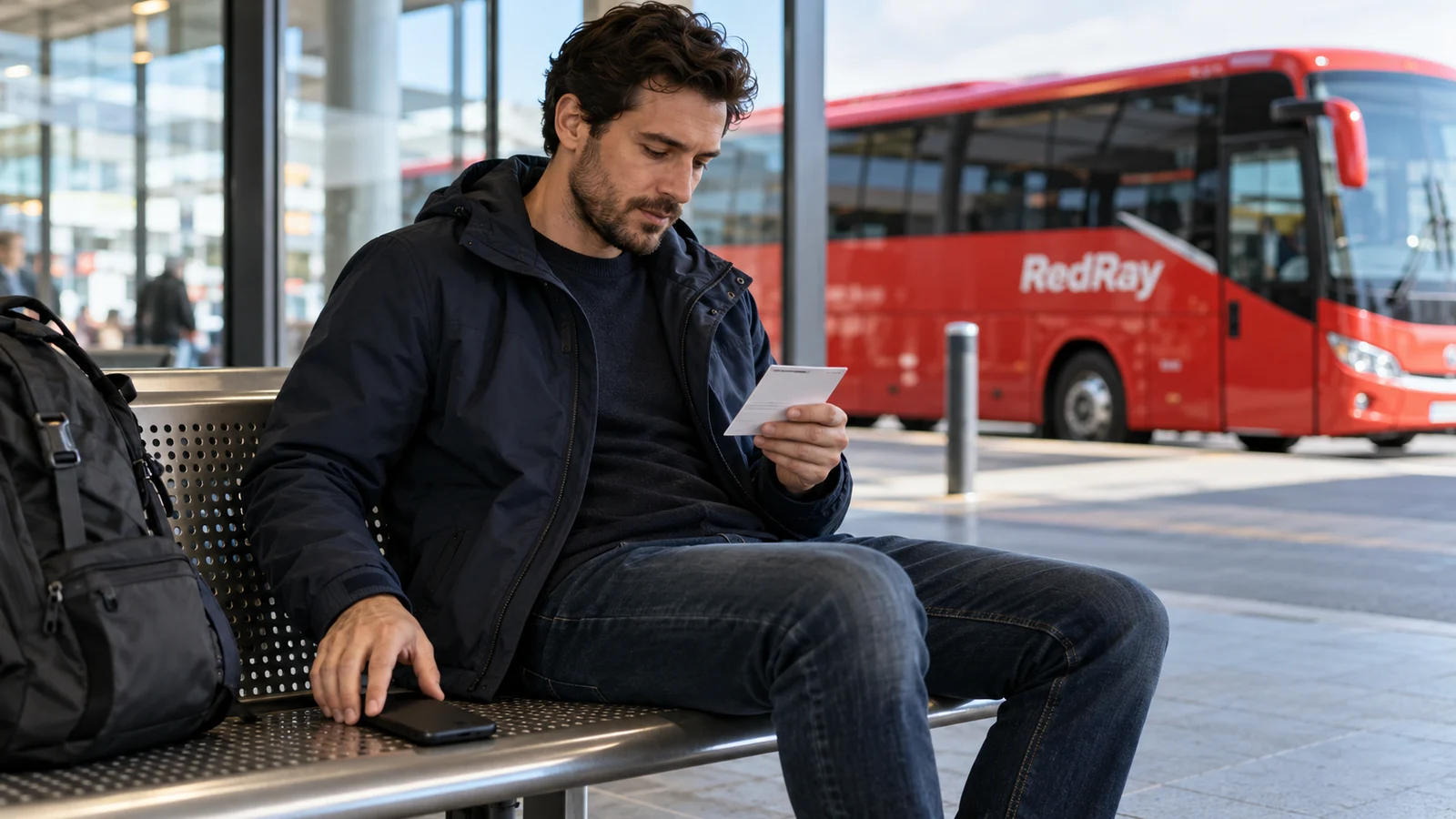
Describe the problem without screen access
Identify exactly what fails: the file will not download, a saved copy will not open, an attachment is missing or the system cannot find the order. These are different situations. Note the error text without unnecessary personal information. Use a purchase number privately through a known channel if available rather than posting the entire ticket in a group asking “Someone help”.
Do not combine a technical error with carriage status. A viewer failing to display a PDF does not itself mean the purchase is cancelled, another payment is needed or the passenger is missing from the system. Ask the seller or carrier to confirm status. Fixing a phone and checking a document may involve different recipients, not one universal chat helper.
Ask the person to explain the proposed action verbally: what you should open on your device and the expected result. If they immediately offer control of every app instead of an explanation, do not agree because time is short. You need not prove malicious intent to refuse an unclear or excessive assistance method.
Description, screenshot and control are different things
A text message conveys only what you wrote. A separate screenshot can show a particular screen, but review it before sending: it may include a ticket code, companion’s name or bank notification. Send only what is necessary to an appropriate recipient. Do not edit a screenshot so it loses error information important to the explanation.
Sharing your screen during a conversation may expose subsequent actions and new messages, not only the first image. Remote control, if provided by the software, may allow interaction with the device. Specific capabilities depend on the system and permissions. Do not treat these modes as equally safe merely because the caller calls everything “showing the ticket”.
A demand to open a banking app, display a one-time code or disable a protective feature supposedly to fix a document is particularly concerning. Do not perform payment actions under an unverified helper’s instructions. To locate a bus purchase, provide only appropriate details through an official channel. An account login code and a remote-control session code are not ordinary error descriptions.
Verify the contact independently
End the unverified conversation and open the seller’s contact from your own confirmation or a known official resource. Do not rely solely on a number the same helper has just sent. A company name on screen, avatar or knowledge of your route does not replace verification. Some information may already have appeared in a public post or forwarded document.
Tell genuine support what failed and what was proposed. Ask it to check the purchase and explain the proper way to obtain the document. Do not demand endorsement of any outside program merely because you have already installed it. You need a solution for your order, not approval of a previous unverified step.
If someone calls supposedly after your enquiry, compare this with the channel and issue you actually used. A real enquiry does not make every subsequent call genuine. Verify through a known contact, especially if the subject changes: instead of resending a ticket, they offer a refund, phone cleaning or urgent paid “activation”.
If you have not installed the program yet
Do not download it from a random link or give a control code. Ask for the current document to be resent or instructions you can follow yourself. If the seller has another procedure, establish its content and limits. A quick-connect button does not mean it is needed for bus boarding.
If a relative helps, keep personal logins under your own control. They can suggest where to find a file without receiving your passwords. Do not turn family help into forwarding an entire document archive. Before asking, check whether you can simply open a previously saved current copy without creating new access rights.
Do not pay to “unlock a ticket” before establishing the basis through the seller. Equally, do not declare every paid technical service fraudulent: the specific request, provider and consent matter. An unverified demand tied to pre-departure urgency must not replace clear service or purchase conditions.
If control has already been allowed
End the session and interaction with the unverified person. Do not keep showing the screen “to check they have left”, open banking apps or agree new payments. If you do not know how to end access in the particular program, seek competent help through a trusted independent channel. Do not grant a second stranger the same rights supposedly to rescue you from the first.
Do not assume deleting one icon guarantees every consequence has been removed. Questions may remain about installed software, permissions granted or data already seen. Follow the manufacturer’s official instructions or use a reliable professional for a technical check. A general article cannot determine your device’s condition or confirm it has been cleaned.
Separately list what was exposed: accounts, passwords entered, visible documents and banking actions. Do not automatically assume everything was copied, but do not ignore specific facts either. Use a trusted device to change secrets if there is justified doubt about the current one. Protect the relevant logins through official procedures rather than sending new codes to the same contact.
If suspicious payments occurred or banking details were exposed, contact your bank through a known method and explain the actions taken. Do not transfer money to another account on instructions from a helper promising to “protect the balance” or fix an incorrect refund. The enquiry’s outcome and possible reimbursement depend on circumstances; reporting the incident alone does not guarantee them.
Bus arrangements remain separate
Tell responsible service staff if you currently cannot present the document. Briefly explain the actual problem and ask for the permitted purchase-check procedure. Do not require the driver to configure remote access or open your email. The crew helps organise boarding, but does not establish phone security or replace the seller in checking its system.
Do not leave belongings unattended while concentrating on a call. If a companion helps, agree who watches luggage and service messages. In a controlled area, use the device and move only as permitted. Needing to complete a technical enquiry does not justify independently entering another hall or service passage.
If the document is resent, check passenger, date, route and status according to seller instructions. Do not treat a new file as proof that the device-access problem is also resolved. Equally, a technical check does not rebook a missed service. Onward travel, the old purchase and data protection require separate coordination.
What to retain for an appropriate report
- The time and channel of the unverified contact, and how it differed from your real enquiry.
- The proposed program’s name and actions you actually performed.
- Necessary details of data disclosed and transactions, without publishing secrets.
- Responses from genuine support, the bank or a technical professional contacted independently.
Do not continue the conversation to gather more “evidence” or publicly pursue the profile. Send necessary facts to appropriate recipients under their official procedure. For the next journey, an accessible current ticket and verified contacts are more useful than relying on an unfamiliar helper promising to solve everything through complete phone control.
Questions and answers
If a helper knows my route, can I trust them with control?
Route knowledge does not confirm identity or authority. End the unverified contact and use the seller’s known channel. Do not grant control solely to check a ticket.
Is every remote-assistance program fraudulent?
No. Such tools have legitimate uses, but can be abused. In this scenario, the danger lies in an unverified provider, excessive access and an unclear action under time pressure.
Is showing the screen safer than sending a separate screenshot?
That cannot be judged without context. A live stream may show later messages and actions, whereas a particular screenshot can be reviewed before sending. Choose only the scope needed for the appropriate recipient.
I already gave access. Is deleting the program enough?
Do not treat that as a guaranteed end to the incident. Stop the session, obtain competent technical help and separately protect accounts or payment details that may have been exposed.
Can the driver solve the phone problem instead of support?
Ask the crew to explain available boarding arrangements under the actual circumstances. Address purchase checks to the seller and device condition to appropriate technical help. Do not mix these roles.
Useful reading and official sources
For the document itself, see the ticket-recovery procedure. If the issue began with a suspicious email, check the attachment and basis for an extra payment.
Official explanations: the FTC on tech-support scams and CISA on abuse of remote-access tools. Checked on 23 October 2026. This article does not diagnose a device, guarantee a refund or establish a particular carrier’s ticket-presentation requirements.