


An offline map is particularly useful after arriving late at night, at the border or when your mobile data connection fails. You need to download it before your trip and check it, rather than simply saving a few screenshots without any reference to the local area.
Check the latest rules and restrictions on the official Google Maps help page.
Which area to download
Save not only the city centre, but also the coach station, your accommodation and the route between them. If your route passes through several countries, add key cities where you’ll be changing transport. Check that the map actually opens in aeroplane mode.
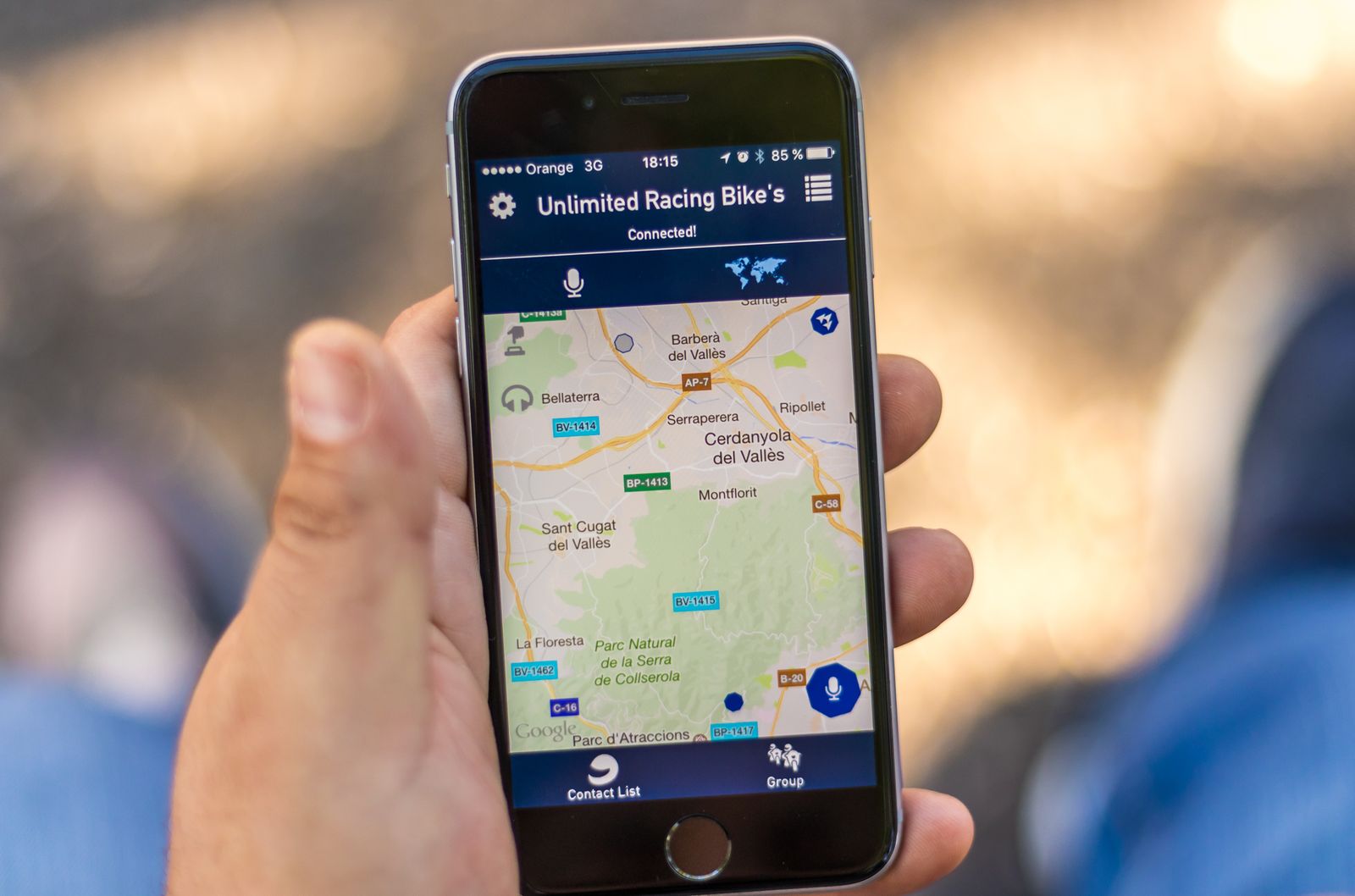
Mark important points
Add your destination address, hotel, alternative stop, chemist’s and a place with 24-hour access. Write down the names in the Latin alphabet, as giving verbal directions to a driver or taxi driver may be more difficult without a network connection.
What might not work offline
Real-time traffic updates, some public transport routes, platform changes and temporary closures require an internet connection. Offline navigation is a backup, not a guarantee of an unchanging route.
Have a backup plan
Take a screenshot of the final section of your route, write down the address, and save the property number. A fully charged power bank is more important than dozens of apps that won’t open on a flat phone.
What to check before you set off
Open your ticket and check the full name of the stop, local time, baggage rules and the carrier’s contact details. Save the relevant pages offline, inform a loved one of your itinerary and don’t schedule a crucial connection too close to your estimated arrival time. If your journey depends on special arrangements — such as accessible boarding, the carriage of medical equipment, an animal or non-standard luggage — obtain written confirmation before the day of departure.
A quick checklist
- check your ticket, the exact stop and the current time;
- save your documents, map and important contact details offline;
- allow plenty of time and have a backup plan;
- keep your mobile phone, charger, water and any necessary medication with you;
- use the carrier’s official channels.
Before setting off, check the packing list for a long coach journey and the list of documents required for Europe. Find the latest departures on RedRay.
After your journey
Do not delete your ticket or messages immediately upon arrival. Check your belongings, expenses and any documents you’ve kept. If you need to contact the transport operator, describe the events in chronological order, include the time, journey number and confirmation, and keep the originals with you. This approach helps to separate facts from emotions and get a meaningful response more quickly.
Frequently asked questions
When should I update my map?
Before you set off, connect to Wi-Fi, open the app and check the validity period of the offline area.
Do I need a paper map?
Not necessarily, but a short note with the address and a landmark will help if your phone gets lost or runs out of battery.