

Checking for available seats is useful when you need a ticket for a specific journey, but it is inconvenient to keep refreshing the search results. It is important not to confuse a notification that a seat has become available with an automatically processed booking: the result depends on the selected feature and its current terms and conditions.
Set your preferred parameters
In the UZ app, check the available options for your chosen route. Specify the date, the number of passengers and the seat categories you’re actually willing to accept. Setting your criteria too narrowly will reduce the number of options. At the same time, don’t book a seat that doesn’t suit your mobility needs if you’ll have to return it later.
Monitor the status of your booking
If automatic booking is available, read the payment and cancellation rules before confirming. Do not assume that completing the settings finalises the purchase: check the status and availability of your ticket. Once you’ve purchased an alternative, disable any unnecessary waiting options via the interface to avoid receiving duplicate bookings. Keep the app’s notifications enabled.
See also: How to buy a ticket on the UZ app: a step-by-step guide from search to boarding; Error on a train ticket: how to check the details and seek help.
Official sources
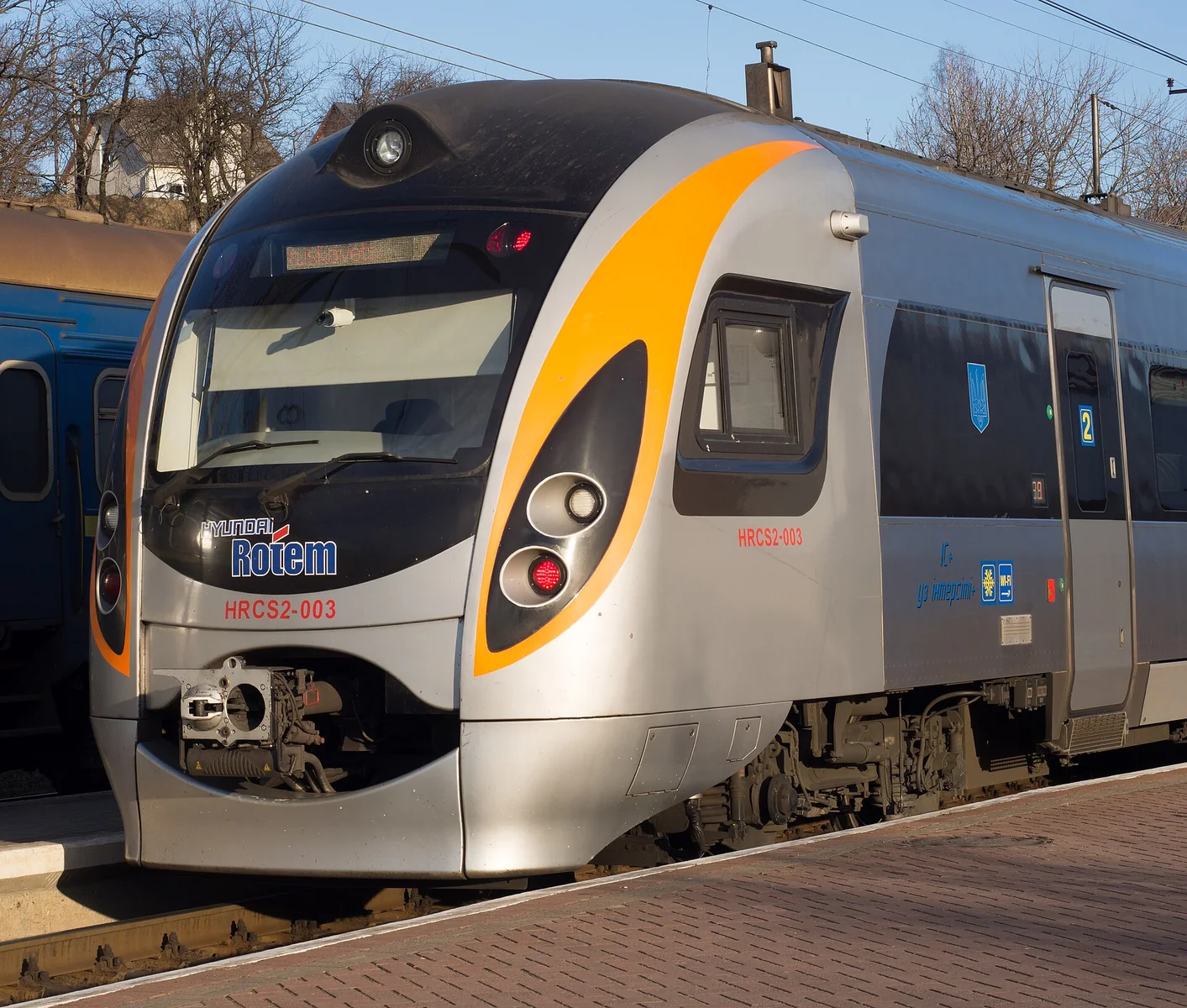
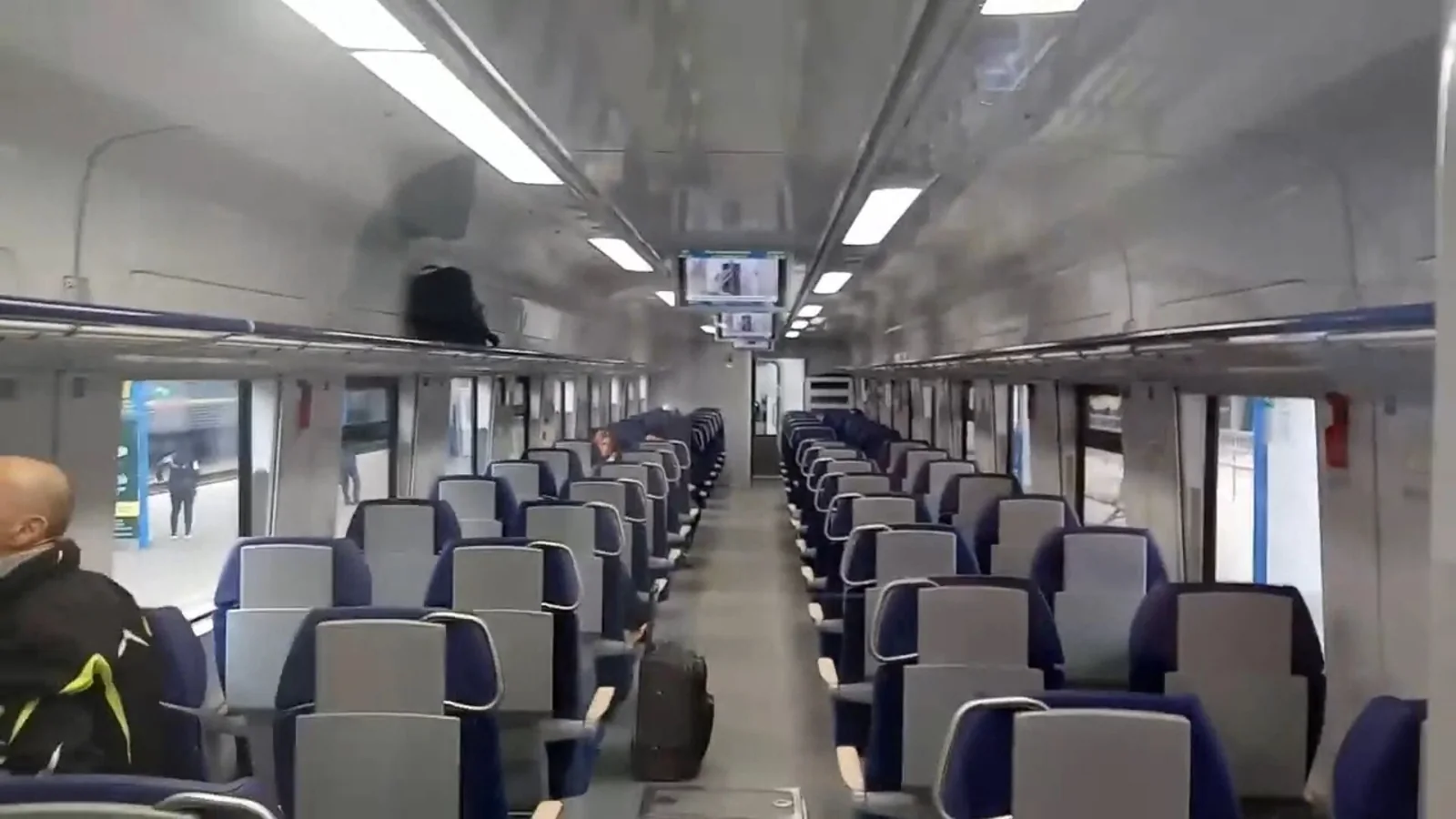
Ukrzaliznytsia: official ticket search. Check current services, prices and conditions for your travel dates; the photographs illustrate rail travel and do not confirm the composition of a specific service.
Image details
- Hyundai Train at Truskavets Station.jpg — DHoffryn; CC BY-SA 4.0. The image has been resized and converted to WebP. Licence terms can be found on the original page.
- DPKr-3 001 1 class.jpg — Alf Almaty; CC BY 3.0. The image has been resized and converted to WebP. Licence terms can be found on the original page.


Questions and answers
Is a notification the same as a ticket purchase?
No. A notification informs you of an opportunity, whilst booking a ticket results in a separate order.
Does this feature work on every flight?
Please check availability in the current app for the specific route.
What should I do after buying another ticket?
Check and, if necessary, cancel the active booking to avoid duplication.
Do I need a third-party bot?
First, check the official features offered by UZ. Do not share your password or payment details with third parties.