

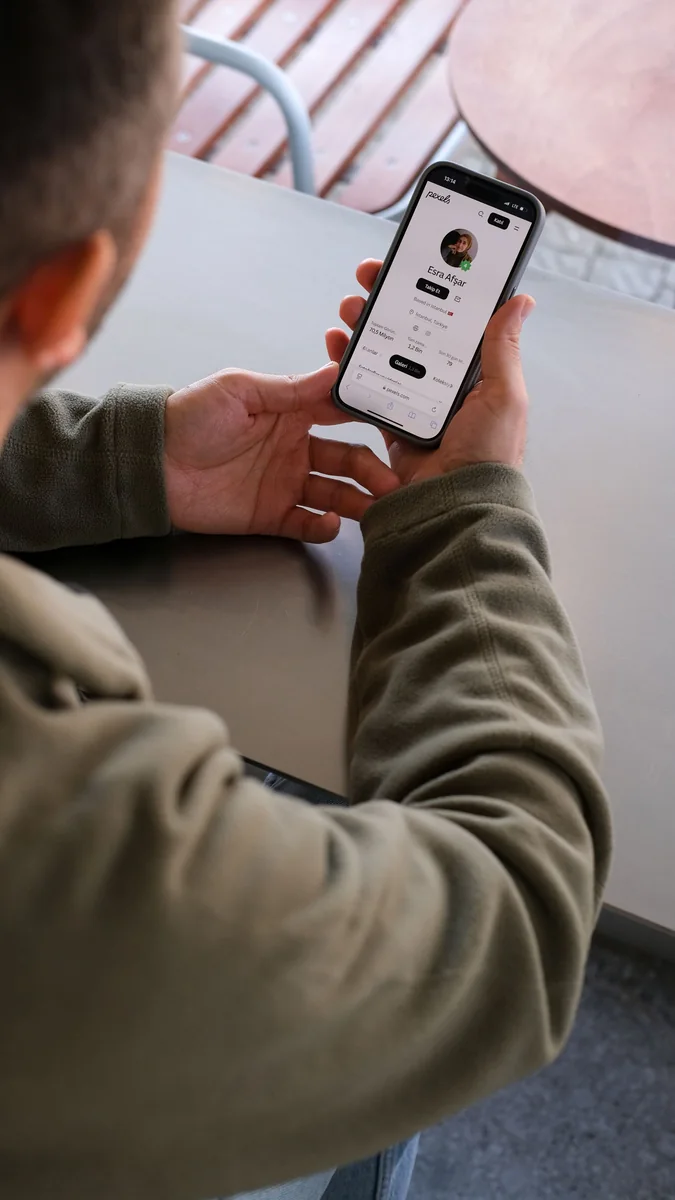
When travelling with several passengers, you need a single, coordinated system; otherwise, it is easy to mix up tickets, documents and messages. When travelling abroad, your phone acts as a ticket, a map, a means of accessing your bank account and a contact list all in one. You should therefore check all your settings at home and back up any critical data using a secure offline method.
What to do before your trip
Update your apps, set up a screen lock, enable Find My Device, and keep your recovery codes separate from your phone. Check that the necessary functions work without Wi-Fi. Do not use public networks for high-risk operations if you can postpone them until you have a secure connection.
- Visibility
- Unknown requests
- Device name
- Shut down after sharing
Step-by-step plan
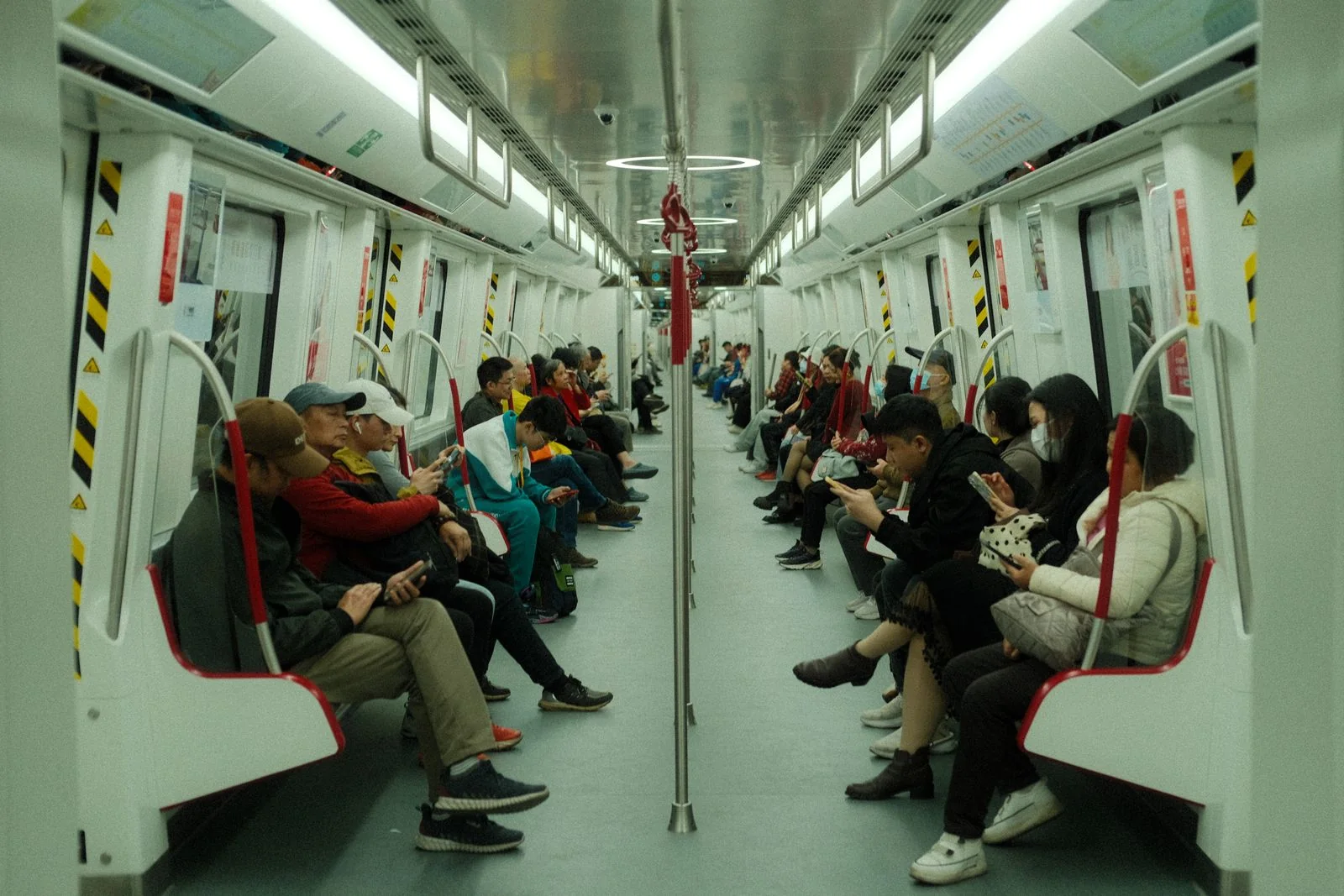
Appoint someone to be in charge of the up-to-date list, but send each person their own details. Before setting off, carry out a joint check and agree on a meeting point.
Children and adults should know who to call if the group gets split up; make sure to write the number down on a piece of paper as well.

Useful links
Read more about public Wi-Fi, account security and your phone before travelling. Up-to-date flight information is available on RedRay. For rules that may change, refer to the European Commission’s official section on cyber security and the official resources of your destination country. Sources verified on 6 September 2026.
Questions and answers
Visibility: how do I check it?
Set Bluetooth visibility to ‘Contacts only’ or turn it off after connecting your headphones.
Unknown requests: when should you be prepared?
Do not accept unknown pairing or file requests, even if they appear immediately after landing.
Device name: where can you change it?
Change the device name so that it does not display the owner’s full name.
Turning it off after sharing: what should you do?
Only enable AirDrop or Quick Share for a short time and check the recipient before sending.