

Some international bus routes include a ferry crossing: the coach drives onto the vessel, and passengers follow separate instructions for leaving the vehicle deck and returning. Between two overland journey sections, more than the scenery changes. Your phone may detect an onboard cellular network outside its usual “Europe” allowance. Prepare connectivity before shore coverage becomes unreliable.
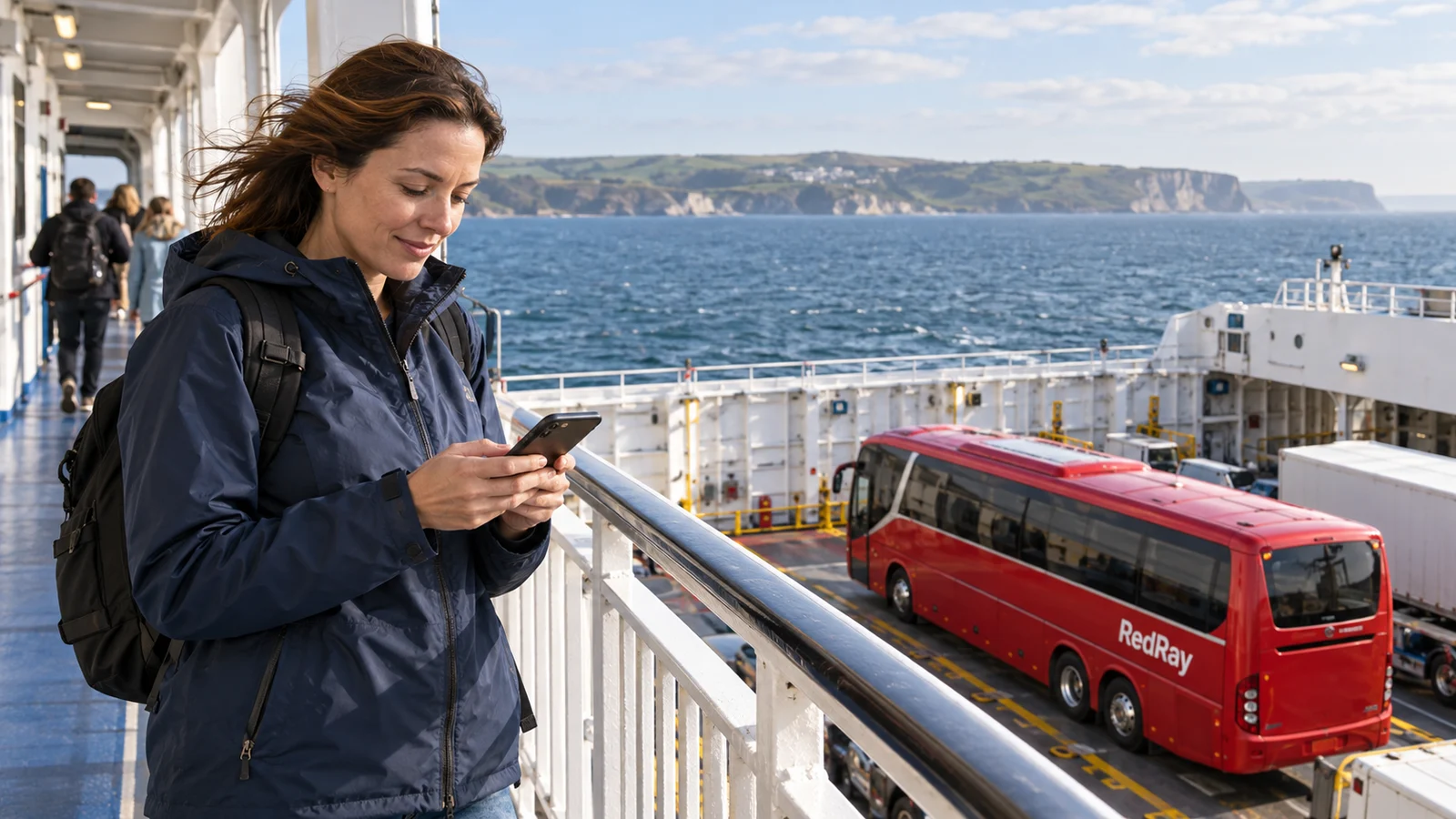
Not a separate sea holiday, but a controlled pause in your bus route
First confirm the crossing actually forms part of your service and the same coach is carried. If you independently bought a ferry ticket and board on foot after finishing a bus leg, arrangements differ. On one through service, know who announces when to go to the passenger deck, the permitted route and return procedure. Mobile chat cannot be your only source of instructions.
Before entering the port, ask the bus crew how passengers will identify their coach after the crossing and where current assembly instructions are provided. Do not assume the driver’s number is always reachable or ferry Wi-Fi guaranteed. An agreed physical landmark and compliance with staff instructions matter even when both phones are charged and have active data allowances.
Three connections that should not all be called “internet”
Near shore, a phone may remain on a terrestrial mobile network. Further out, a vessel may provide its own cellular network using satellite connectivity. Separately, it may offer Wi-Fi with its own access rules. These are not one service with different names: SIM allowance terms do not automatically determine Wi-Fi cost, and connecting to Wi-Fi does not necessarily disable the cellular line.
The European Commission explains that Roam Like at Home applies to terrestrial mobile networks, not non-terrestrial onboard networks. Proximity to an EU country or one destination on a bus ticket does not establish maritime coverage. Your operator may offer a special plan, but verify its availability, services and limits directly rather than infer them from “unlimited” advertising.
- Terrestrial mobile coverage: check the country, partner and SIM conditions.
- Onboard cellular network: establish whether your number may use it and at what tariff.
- Ship Wi-Fi: check the official network name, access method and separate service terms.
What to ask your operator before the bus departs
“Does my number work in Europe?” is insufficient for a crossing. Mention the ferry section and ask whether non-terrestrial onboard networks can be blocked specifically for your number, which services remain available and how access is restored after blocking. The operator may have its own restriction mechanism; not every setting works identically on every tariff.
Separately check incoming and outgoing calls, texts and background data. Having no browser open does not mean the phone transmits nothing: synchronisation and apps may work in the background. Do not rely solely on a future warning or automatic financial limit. A safeguard does not make a service included or replace your decision not to use it.
Prepare a paper or local plan for the crossing itself
Save your bus ticket and contacts so they open offline. For the ferry section, add the coach registration or another crew-approved identifier, assembly point and how to clarify return instructions. Do not photograph restricted areas or other people’s documents as “proof of the route”. A short note is enough for your memory when photographs are prohibited or impractical.
Before leaving the coach, agree a meeting point with your group. Important arrangements must work even with one phone in flight mode and the other unable to find Wi-Fi. With a child or passenger needing help, organise accompaniment under staff instructions before attending to your phone. Do not leave someone alone on a walkway to find stronger signal.
Movement from the vehicle deck is explained separately in how to leave your bus on a ferry and return to the service. The task here is different: make compliance independent of accidental mobile connectivity. Ship staff determine access to the vehicle deck, not your need to check messages beside your seat.
Using flight mode without a false sense of connectivity
If you do not intend to use maritime mobile service, flight mode provides a cellular pause. Enable it before losing known terrestrial coverage, once documents and arrangements are saved. Check the actual mobile-line state, especially with two SIMs. Icons and individual radios vary by model, so do not make boarding the vessel your first experiment.
Many phones let Wi-Fi be enabled separately after flight mode. This does not oblige you to buy it or mean it is free. If connectivity is necessary, find the official onboard terms and verify the network name with staff. Do not follow a random sticker demanding bank codes. For a short crossing, a prepared offline plan can be more practical than registering again.
Do not disable flight mode merely because land is visible
Land through a window does not show which network will serve your phone when cellular service returns. Ship equipment may remain available while the shore signal is weak. Wait for a clear opportunity to check network name and conditions without obstructing disembarkation. When staff announce return to the bus, follow that instruction first and finish settings somewhere safe.
After terrestrial service returns, open only the necessary status or message. Check the correct data line is active and do not immediately start every queued video. If your operator previously blocked maritime service, do not remove the restriction unnecessarily: ask whether it genuinely affects terrestrial access. Clarification is calmer and cheaper than a series of unclear random changes.
If the phone has already connected onboard
On seeing an unfamiliar maritime-network message, stop unnecessary use and disable cellular connectivity by your chosen method. Do not make a test call to “check the tariff”. Save the message and time, then inspect billing later over a known terrestrial connection. Do not blame the bus crew: it does not set your operator’s rates.
In an operator enquiry, distinguish registration from specific service use. Ask for the network, time, service type, applied terms and warnings provided. If paid Wi-Fi was purchased at the same time, keep its confirmation separately: it may involve another supplier and an entirely different purchase. Do not combine the two amounts in one claim merely because both arose on the ferry.
A practical example: a short update instead of staying constantly online
Suppose a passenger agrees to notify relatives when the coach reaches the port. They can do this over a confirmed terrestrial network, explaining the next message will follow after the crossing. They then save the assembly point, enable flight mode and return to the coach following staff announcements rather than chat. After leaving the port, they check the terrestrial partner before reconnecting.
This illustrative example does not establish crossing duration or departure time for a particular service. Its point is not to make safe return dependent on continuous internet. If connectivity is needed for an objective individual requirement, agree a suitable plan beforehand. Do not assume any crew can provide a personal phone or guaranteed data channel to every passenger.
For general allowance selection before overland sections, see preparing mobile internet in Europe. Calculating ordinary megabytes does not determine maritime-network prices: even small usage can be charged differently. Do not buy a larger terrestrial allowance as automatic “protection” against maritime connection unless the provider expressly confirms that coverage.
Sources checked on 23 October 2026: the European Commission on non-terrestrial networks and Your Europe on phone use aboard ships. General rules do not replace your operator’s terms, the particular Wi-Fi conditions or crossing staff instructions.
Questions and answers
If both ports are in the EU, is the ship’s mobile network included too?
Do not assume this. Non-terrestrial maritime connectivity follows a different regime from terrestrial roaming. Confirmation must cover the maritime network and your number, not merely two route countries.
Will cellular internet automatically switch off after connecting to Wi-Fi?
Do not rely on that without checking device settings. Wi-Fi and the mobile line are different connections. If maritime cellular service is unnecessary, deliberately disable it and check the needed Wi-Fi works separately under agreed terms.
How will I receive the instruction to return to the coach if offline?
Before crossing, ask staff about the physical assembly point, permitted route and source of announcements. Follow current ship and bus-crew instructions. No internet should not lead you to enter a closed vehicle deck on your own.
Should I delete my travel eSIM before the coach boards the ferry?
No. Deleting a profile is not a standard necessary action to pause connectivity and may complicate reinstalling it. Manage cellular connection or use an operator-provided restriction. The saved profile will be useful on the next overland section.
What should I keep if charged for both maritime connectivity and Wi-Fi?
Save mobile-operator messages and usage details separately from Wi-Fi purchase confirmation. Identify each supplier rather than treat them as one payment. Review depends on conditions and actual use, not merely having crossed by ferry with a bus.